The Best Weight Loss Apps (2026-2027), Ranked After Two Weeks Each
Six weight loss apps, two weeks of daily use each. PlateLens ranks first; MacroFactor, MyFitnessPal, Lose It!, Noom and WeightWatchers each suit someone.
How this was made: every app here was used for at least two weeks before it was scored, checked by our nutrition reviewer, and never paid for by an app maker. Our scoring method.

The best weight loss app for most people is PlateLens. I ran six of them for two weeks apiece, and it made logging a full day the least like homework. Over those two weeks, a photo of a plated meal became an itemized entry in about three seconds; packaged food went in by barcode and drinks by voice. The numbers rest on solid ground, too: entries are matched against USDA FoodData Central, NCCDB and Open Food Facts, every ingredient stays editable, and where sources disagree PlateLens shows a range instead of false precision. The core tracking costs nothing.
Weight loss is still a behavior problem before it is a software problem, so the other five each earn a place for a specific kind of dieter. MacroFactor is for people who weigh in every morning. Noom and WeightWatchers are for people who want a program, not a spreadsheet. Dr. Alina Reyes, our nutrition reviewer, checked every target and pace in this piece.
The six apps, ranked
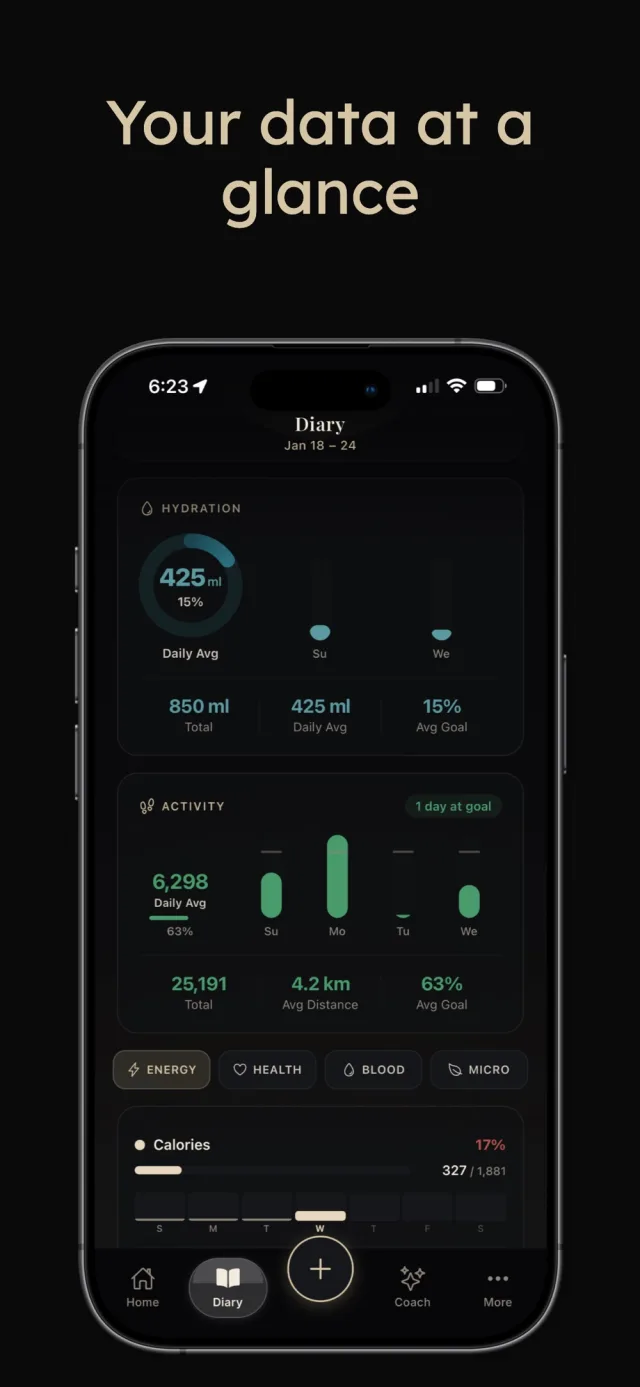
Image: PlateLens via the App Store
Pick it if: You want the log to take seconds, the totals to be right, and the target to keep up with you.
Strengths
- About 3 seconds from meal photo to a logged entry in my testing
- Nutrition matched to USDA FoodData Central, NCCDB and Open Food Facts
- Learns your real expenditure from logs and weigh-ins, then suggests new targets
- AI coach that reads your own diary
- Full web app plus iPhone and Android on one account
Drawbacks
- Free accounts get three AI photo logs and five coach questions a day; Premium ($34.99/yr) raises both allowances
- Free plan
- Never expires, no card
- Premium
- $34.99/yr or $9.99/mo
- Food data
- 1.2M+ verified foods
- Platforms
- iPhone, Android, web
Losing weight with an app comes down to two questions: will you keep logging in week six, and is what you log close to what you ate? PlateLens answers both better than anything else I used. The camera does the heavy lifting on plated food. When it can’t see something, such as the butter in a pan, you open the meal, find the ingredient list and fix the weight, or just type “it was grilled, not fried” and the entry updates. Barcodes cover the wrappers; the database behind them holds more than 1.2 million verified foods, 820,000-plus branded products and 45,000-plus restaurant items.
The weight-loss machinery is what moved it to the top of this list. Switch on “Adjust with my logs and weigh-ins” and PlateLens works out what you actually burn each week from your meals and your scale. Every 14 days it compares your targets with that figure and offers new ones; one tap applies them. When a week has no weigh-in, it asks for one. The coach works from the same data: ask why the scale stalled, or what dinner would close today’s protein gap, and the answer is built from your own diary rather than a generic script.
There’s no catch on price. The free plan has no expiry date and needs no card, and it covers what weight loss actually needs: calorie and macro tracking, every logging method, the adaptive target and a daily coach allowance. Premium, at $34.99 a year, raises the AI allowances and opens detailed vitamin, mineral and free-sugar views plus nutrition reports. It’s still the lowest yearly price among the trackers here.
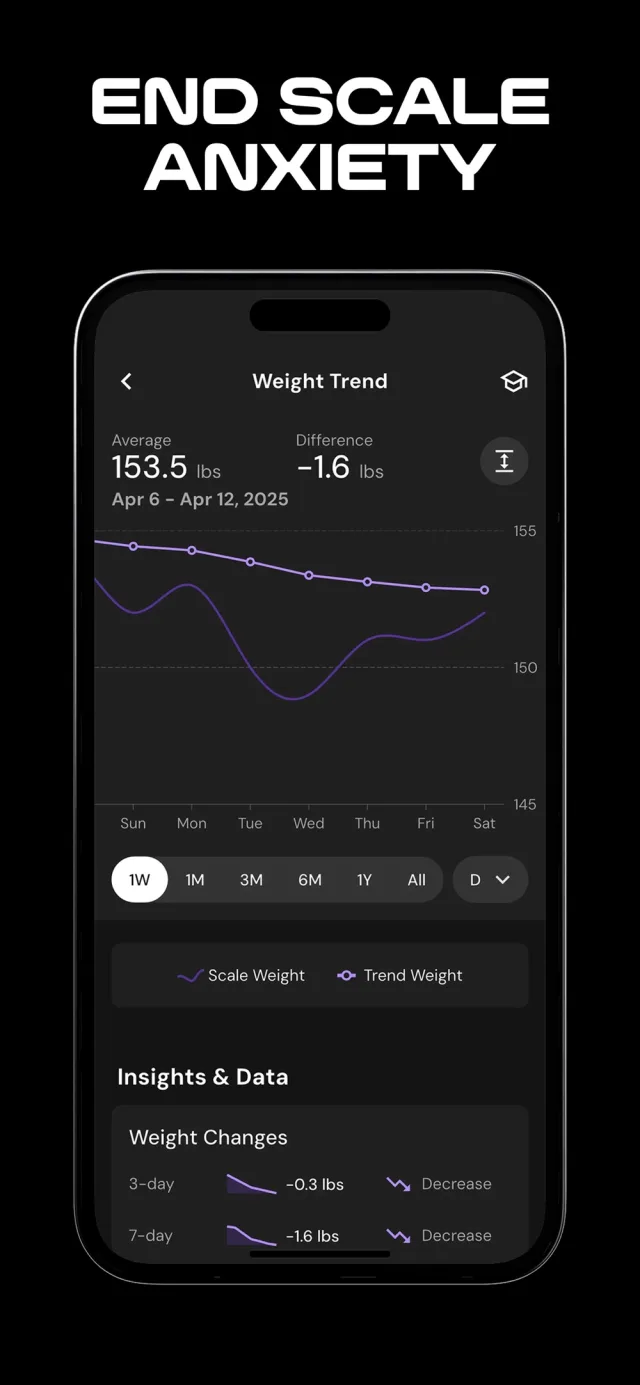
Image: MacroFactor via the App Store
Pick it if: You weigh yourself most mornings and want the app to adjust your calories like a coach would.
Strengths
- Expenditure estimate that learns from your logs and weight
- Weekly check-ins adjust calorie and macro targets
- No red numbers or warnings when you go over
Drawbacks
- No free tier, only a 7-day trial
- Needs regular weigh-ins to do its best work
- Paid
- $11.99/mo or $71.99/yr
- Free tier
- None
MacroFactor is the app I’d hand a disciplined dieter who keeps stalling. Its weight-trend line strips out the daily water swings, its expenditure estimate learns from what you log, and its weekly check-in moves your calories up or down. It also refuses to scold. Going over shows no red ink, a design choice its makers spell out on the App Store, and one that matters for anyone with a guilty relationship with numbers.
The cost of that rigor is commitment. There’s no free tier, just a seven-day trial, and the algorithm is only as good as your weigh-ins. If you step on a scale twice a month, skip it.
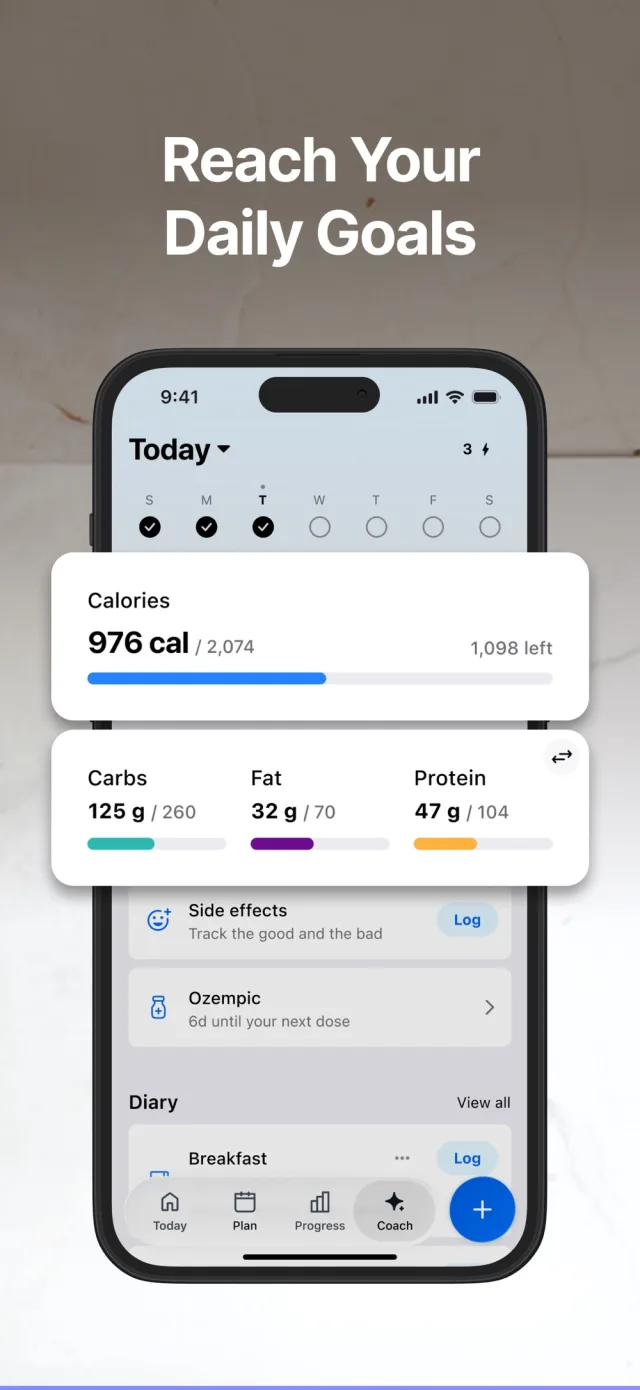
Image: MyFitnessPal via the App Store
Pick it if: You eat out a lot and need the app to know the chain you just left.
Strengths
- 20.5M+ foods, including restaurant dishes
- New AI Coach that answers questions about your logs
- Connects with 35-plus apps and devices
Drawbacks
- Barcode scan, Meal Scan and voice logging are Premium
- Many user-added entries, so pick verified ones
- Free plan
- Yes, without the scanner
- Premium
- $19.99/mo or $79.99/yr
- Platforms
- iPhone, Android, web
MyFitnessPal is the safest bet for someone whose lunch comes from a menu board. Its catalog lists more than 20.5 million foods, restaurant dishes included, and it’s rare to search for a chain item and come up empty. The new AI Coach answers questions about your own logs, and the app talks to a long list of watches and scales.
The trouble is the crowd. Many entries are user-added, so a search often turns up several versions of the same food, and your totals are only as good as the one you pick. Favor verified entries and check labels when something looks off. The barcode scanner now sits behind Premium, and $79.99 a year makes it the priciest classic tracker here.
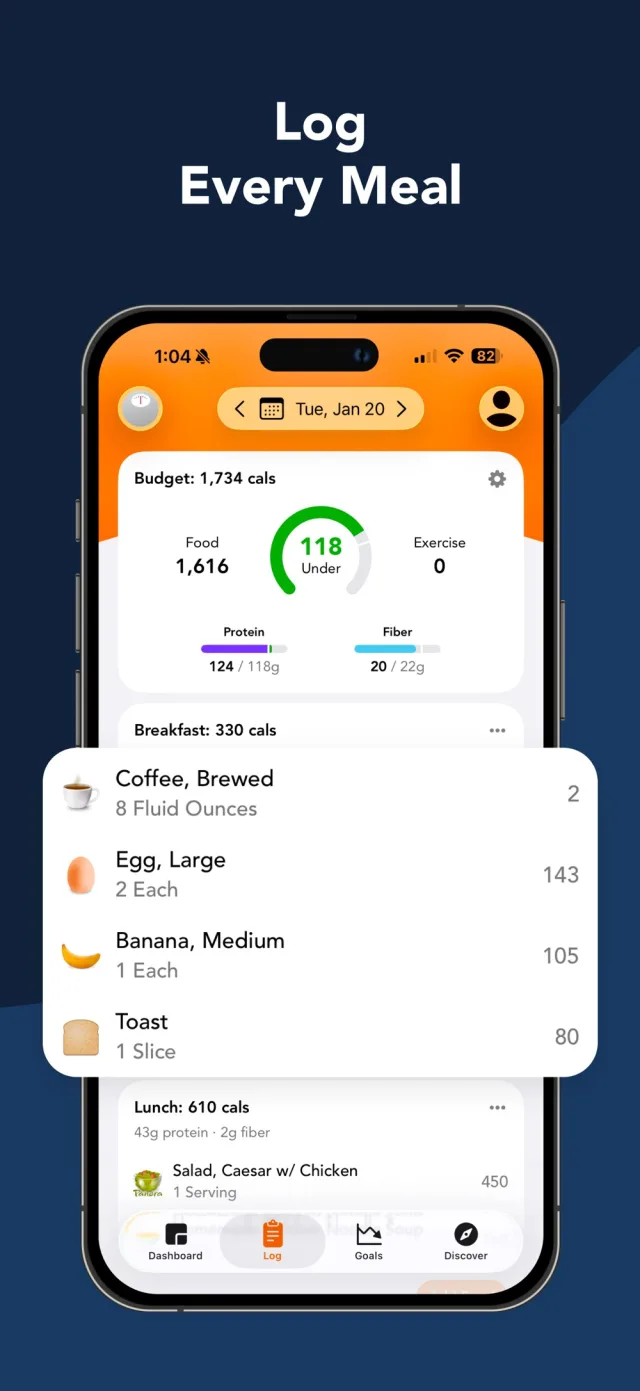
Image: Lose It! via the App Store
Pick it if: You want a simple daily calorie budget and a cheap upgrade, not a coaching program.
Strengths
- Clear calorie budget and weight-loss schedule from day one
- Barcode scans logged in about 0.4 seconds in my testing
- Premium costs $39.99 a year
Drawbacks
- Barcode and nutrition-label scanners are moving into Premium, per Lose It!
- Photo and voice logging are listed as Premium
- Free plan
- Yes
- Premium
- $39.99/yr
- Platforms
- iPhone, Android, web
Lose It! does the classic job well. Enter your goal and it hands you a daily calorie budget and a schedule; the dashboard tells you how much room is left, and nothing else competes for attention. The free tier includes the plan and community groups. Premium unlocks the scanner, photo and voice logging, macro goals and a fasting tracker.
Its scanner was the fastest I timed, about 0.4 seconds from barcode to entry, which matters if your pantry is mostly packaged food. Lose It! says it is moving that scanner, Scan It, and its nutrition-label scanner into Premium, so budget for the upgrade if scanning is why you’re choosing it. Treat a Snap It photo estimate as a first draft and check the portion. For the full head-to-head, see MyFitnessPal vs Lose It!.
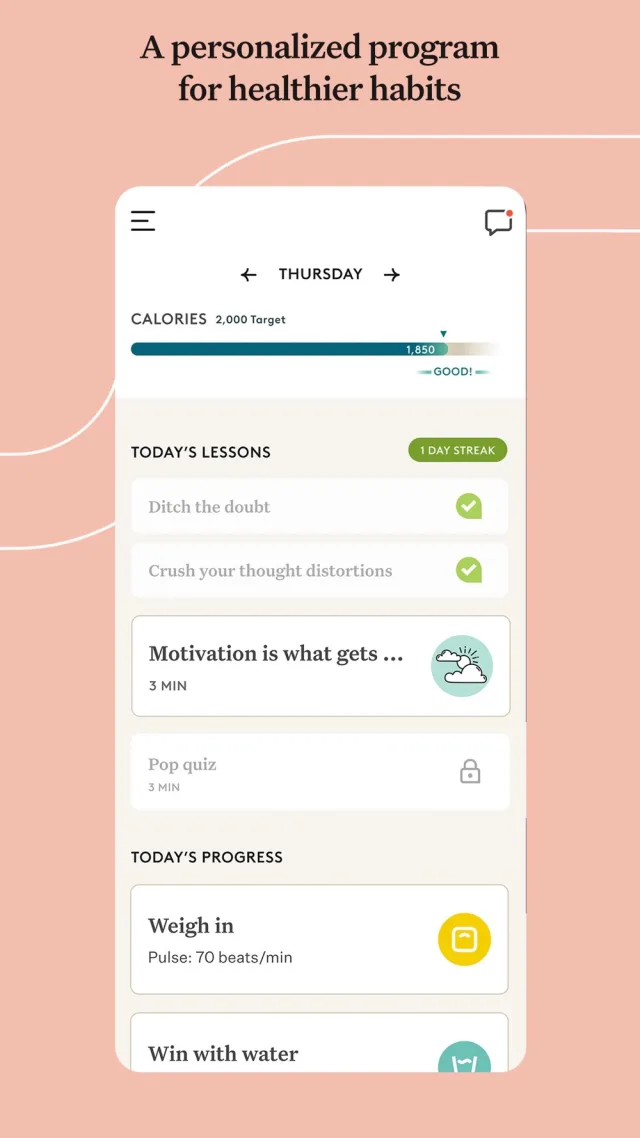
Image: Noom via the App Store
Pick it if: You know what to eat but keep sliding back, and you want lessons and a coach more than a log.
Strengths
- Short daily lessons built on behavior-change psychology
- Green, yellow and orange food labels by calorie density
- Chat access to coaching, plus classes and community groups
Drawbacks
- No free tier; $70/mo is the list price
- Not for users under 18, pregnant, with an eating disorder or underweight, per Noom
- Free tier
- None (trial in most cases)
- Paid
- $70/mo
Noom is a course with a food log attached. Each day brings a few minutes of reading on cravings, thought patterns and habits. Foods are sorted by calorie density: green for low (most vegetables, eggs, grilled chicken), yellow for middling, orange for dense (nuts, oils, cookies). It’s an easy rule to carry into a grocery store. Coaching runs through chat, and there are on-demand workout classes and community groups.
The color system is a guide, not a precise budget, and Noom’s own help page notes that custom meals, recipes and user-entered foods don’t show colors. The bigger issue is cost: our list price is $70 a month, and there’s no free tier. Longer plans cost less per month, but you’re still paying for the lessons. My full verdict is in the Noom review.
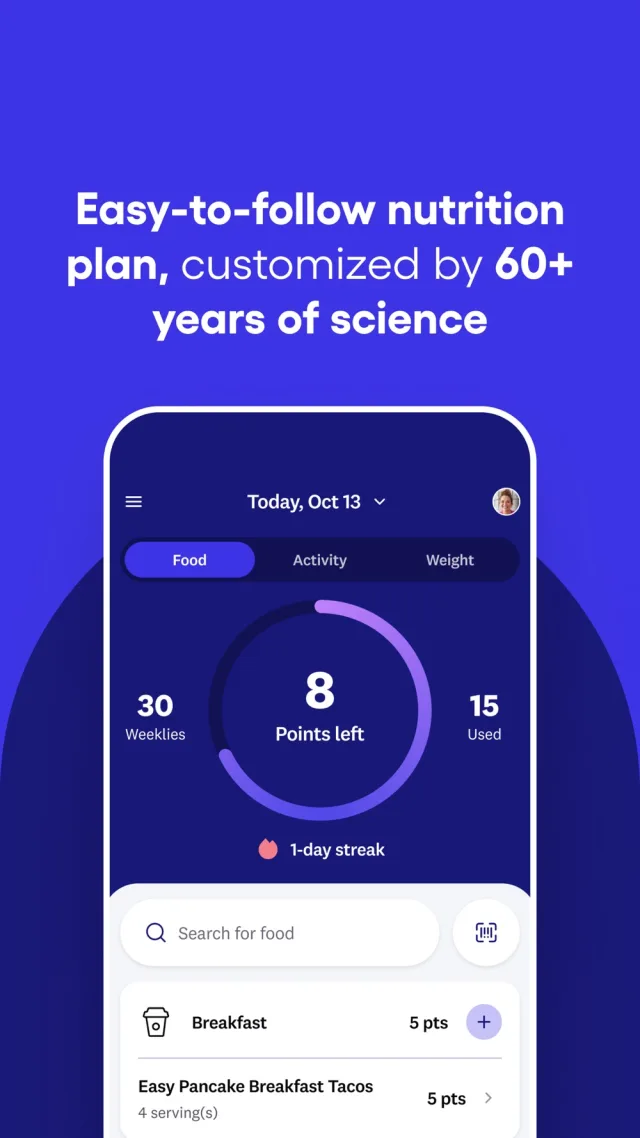
Image: WeightWatchers via the App Store
Pick it if: You like a structured system, a community and live sessions with coaches.
Strengths
- Points system with ZeroPoint foods you don't have to track
- Live coach-led sessions and a member community
- GLP-1 Success Program for members on weight-loss medication
Drawbacks
- Membership required for the program
- Points take a while to learn if you already count calories
- Cost
- Paid membership
- Food system
- Points and ZeroPoint foods
WeightWatchers has run a points diet for decades, and the app is the modern version: food becomes Points, and a long list of ZeroPoint staples (eggs, beans, fish, fruit and more) doesn’t need tracking at all. Around that sit live sessions with coaches, a members-only community, macro tracking for protein and fiber, a barcode scanner and photo logging.
It’s the right home for people who like rules and company. If you prefer to see calories and grams, the translation layer gets in the way, and you’ll be paying for a membership you could replace with a free tracker.
Side by side
| App | Stars | Free tier | Paid price | Main approach | Adaptive target |
|---|---|---|---|---|---|
| PlateLens | 4.8 | Yes, never expires | $34.99/yr or $9.99/mo | Photo, voice, barcode, search | Yes, from logs and weigh-ins |
| MacroFactor | 4.6 | No | $71.99/yr or $11.99/mo | Search, barcode, AI photo | Yes, weekly check-ins |
| MyFitnessPal | 4.4 | Yes, no scanner | $79.99/yr or $19.99/mo | Search; scan and voice on Premium | No |
| Lose It! | 4.3 | Yes | $39.99/yr | Calorie budget; scan, photo, voice on Premium | No |
| Noom | 4.0 | No | $70/mo | Lessons, color labels, coaching | Program-led |
| WeightWatchers | — | No | Membership | Points and ZeroPoint foods | Program-led |
Prices are US list prices as of October 29, 2026. “Adaptive target” means the app recalculates your calorie goal from your own data.
What actually moves the scale
Logging you will keep doing. The strongest finding in this field is boring: people who track more lose more. A systematic review of 22 studies found a consistent link between self-monitoring and weight loss, and a 24-week online program found that the people who reached 5% or 10% loss opened their food journal more often each day. The time they spent logging fell over the months. Pick the app whose fastest input method matches your meals.
Entries that are close to the truth. A small daily error compounds. If your log says 1,600 calories and you ate 1,800, the deficit you planned isn’t there. Verified databases, ingredient-level editing and checking packaged foods against the label all tighten the gap.
A target that moves. Your energy needs fall as you lose weight; modeling by Kevin Hall’s group at NIH showed the body’s response to a calorie cut is slower and smaller than the old “3,500 calories per pound” rule suggests. An app that recalculates from your weight trend, as PlateLens and MacroFactor do, saves you from a target that quietly stops working. The NIDDK Body Weight Planner is a good free check on any number an app gives you.
Frequent weigh-ins, read as a trend. In a six-month trial, daily weighers lost more than people who weighed most days of the week. Daily numbers bounce with water and salt, so judge the trend line, and look past the scale too: our guide to tracking progress beyond the scale covers tape, photos and body scans.
Enough protein. Keeping protein up while you eat less helps you hold on to muscle and stay full. If that’s your sticking point, see the best protein tracking apps.
Tracker or program?
There are really two products on this list. PlateLens, MacroFactor, MyFitnessPal and Lose It! are trackers: they measure, and you decide. Noom and WeightWatchers are programs: they teach, structure and encourage, and the tracking is part of a curriculum.
If you’ve lost weight before and regained it, a program’s lessons and coaching may be worth the monthly fee. If you mainly need to see what you eat and get a sensible target, a tracker does that for far less, and PlateLens includes a daily AI coach allowance even on its free plan. Many people do best by starting with a tracker and adding a program only if motivation, not information, turns out to be the problem.
How we picked
Each app was used every day for at least two weeks, logging every meal by its main input method. I timed ordinary entries with a stopwatch, compared packaged foods with their labels and whole foods with USDA FoodData Central, read each free plan line by line, and tried sync and data export. Stars are each app’s overall score on our five weighted criteria, explained on our scoring page; WeightWatchers hasn’t had a full scoring pass yet, so it carries no stars. The order here also weighs weight-loss tools: adaptive targets, coaching and how easy each app makes a daily habit. Dr. Reyes reviewed the health guidance. Screens are each developer’s own App Store images. For the wider field of trackers, see the best calorie tracker apps.
Questions readers ask
- What is the best app for losing weight in 2026-2027?
- PlateLens is our top pick. It turns a meal photo into a logged, ingredient-by-ingredient entry in about three seconds, also takes barcodes, voice and typed search, and matches what you log against verified sources (USDA FoodData Central, NCCDB and Open Food Facts), with every ingredient editable afterwards. Its free plan never expires and covers calorie and macro tracking, a daily AI coach allowance and an adaptive calorie target. MacroFactor is the better fit if you weigh in daily and want weekly check-ins.
- Do weight loss apps actually help you lose weight?
- The habit they support does. A systematic review of 22 behavioral weight-loss studies found self-monitoring of diet, exercise and weight was consistently linked with weight loss, and a 24-week online program found that people who opened their food journal more times a day were more likely to lose 5% or 10% of their weight. An app helps mainly by making that logging quick enough to keep doing.
- Is Noom or WeightWatchers better for weight loss?
- They suit different people. Noom teaches through short daily psychology lessons and labels foods green, yellow or orange by calorie density. WeightWatchers converts food into Points, with a long list of ZeroPoint foods you don't have to track, and adds coach-led sessions and a member community. Both are paid programs; if you mostly need a log and a target, a tracker such as PlateLens costs far less.
- How fast should I lose weight using an app?
- About 0.5–1% of your body weight a week, roughly 1–2 lb for most adults, is a sensible pace. Women shouldn't eat under about 1,200 calories a day and men under about 1,500 without medical supervision. People with diabetes, kidney disease, a history of disordered eating, or who are pregnant should set targets with a doctor or registered dietitian.
- Is there a free weight loss app worth using?
- Yes. PlateLens's free plan has no end date and needs no card. It covers calorie and macro tracking, photo, voice, barcode and search logging, and the adaptive calorie algorithm; AI photo logs and coach questions have a daily allowance (three and five), which Premium raises while adding detailed nutrient views. Lose It! and MyFitnessPal also have free tiers, though both list barcode scanning among their paid features. MacroFactor and Noom have no free tier.