The Best Calorie Tracker Apps (2026-2027), Tested and Reviewed by Experts
Nine calorie trackers, two weeks of daily logging each, and a nutrition expert's review. PlateLens leads; here is who should pick each of the other eight.
How this was made: every app here was used for at least two weeks before it was scored, checked by our nutrition reviewer, and never paid for by an app maker. Our scoring method.
Short answer: download PlateLens. After two weeks of logging every bite in nine calorie trackers, it was the one that cost me the least effort per meal and still produced numbers I trusted. Snap a plate, scan a wrapper, say “two eggs and toast” — it all lands in one diary backed by more than 1.2 million verified foods. Every estimate opens into ingredients you can fix. And the free plan doesn’t expire.
That doesn’t make the other eight bad. They are better at narrower jobs, and if one of those jobs is yours, pick it. Everything below was reviewed by Dr. Alina Reyes, who holds a PhD in sports nutrition.
The verdict in one table
| Tracker | Our stars | Costs nothing? | Yearly upgrade | How you log | Wins at |
|---|---|---|---|---|---|
| PlateLens | 4.8 | Yes — no end date | $34.99 | Camera, voice, scan, search | Speed plus accuracy |
| MacroFactor | 4.6 | No | $71.99 | Scan, label photo, camera, search | Self-adjusting targets |
| Cronometer | 4.5 | Yes, ad-supported | $59.99 | Search, scan | Vitamins and minerals |
| MyFitnessPal | 4.4 | Yes, minus the scanner | $79.99 | Search (scan and voice paid) | Restaurant food |
| Lose It! | 4.3 | Yes | $39.99 | Scan, search, camera, voice | Wrapped and boxed food |
| Yazio | 4.2 | Yes | $5.99 a month | Search, scan, camera | Following a plan |
| MyNetDiary | 4.2 | Yes | $8.99 a month | Search, scan | Diabetes-minded tracking |
| Lifesum | 4.2 | Yes | $44.99 | Search, scan, camera | Nervous beginners |
| FatSecret | 4.1 | Yes, fully | Optional, $4.99 a month | Search, scan, camera | Never paying |
US list prices, checked October 29, 2026. Stars are out of 5 and follow the five weighted criteria on our scoring page.
The calorie trackers, reviewed
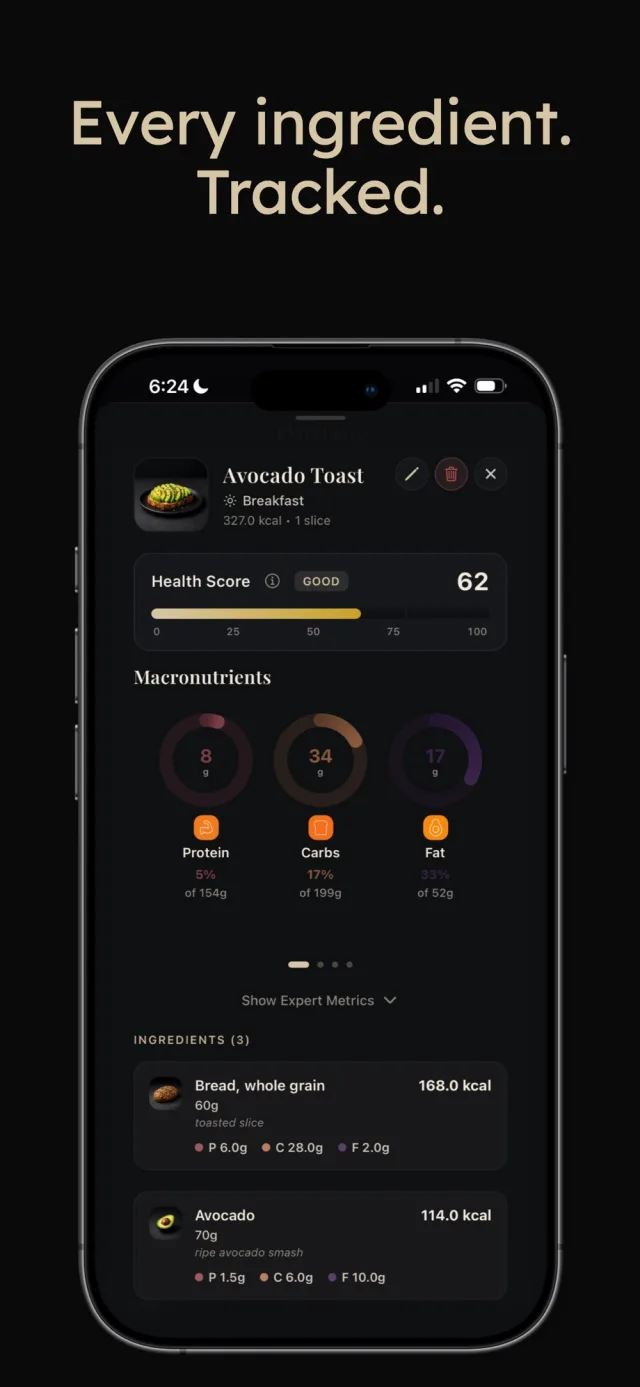
Image: PlateLens via the App Store
Pick it if: You want logging to take seconds, you want to trust the totals, and you'd rather not pay.
Strengths
- Camera, voice, barcode and search all feed one verified 1.2M-food diary
- Tap any meal to edit its ingredients and weights
- Food data from USDA FoodData Central, NCCDB and Open Food Facts
- AI coach and a body-scan allowance on the free plan
- Phone apps plus a full web app; two-way Apple Health and Health Connect sync
Drawbacks
- On the free tier the AI is rationed to three meal photos and five coach replies a day, and full vitamin and mineral views need Premium ($34.99 a year)
- Free plan
- No end date, no card
- Premium
- $34.99/yr or $9.99/mo: more AI, detailed nutrient views
- Nutrients
- 80+ tracked
- Platforms
- iPhone, Android, web
Most calorie trackers make you pick a lane. The classic ones want you to type and scroll; the camera-first ones are quick but thin underneath. PlateLens refuses the trade. The camera handles plated food, the barcode scanner handles wrappers, voice handles the coffee you forgot, and search pulls from a verified database large enough that I rarely saw the duplicate-entry roulette I’m used to.
Speed would be pointless if the totals were off, so look at where the numbers come from: USDA FoodData Central, the NCCDB research database and Open Food Facts barcode data, not whatever strangers typed in. The bit I came to rely on is the ingredient view. Every meal opens into its parts, each with a weight, so when the camera can’t see the butter in the pan you add it and move on.
For anyone who trains, the extras earn their place. Two-way sync with Apple Health and Google Health Connect brings workouts and weight in and sends nutrition out. The AI coach reads your diary, so “what should I eat after leg day to hit protein?” gets an answer based on what you’ve already had. The 3D Body Scan turns 12 front-camera photos into a model you can spin around, measuring your waist, hips and chest. Compare two scans and you catch a recomposition the scale hides (how it works). Fasting timer, glucose log, meal planner and an adaptive calorie target are all in the same app.
Then the price. The free plan has no expiry and wants no card, and it covers what most people need: calorie and macro tracking, unlimited search and barcode logging, the adaptive target, and three meal photos and five coach replies a day. Premium, at $34.99 a year, is the cheapest paid tier in this roundup; it raises the AI allowances and opens the detailed vitamin, mineral and free-sugar views and nutrition reports.
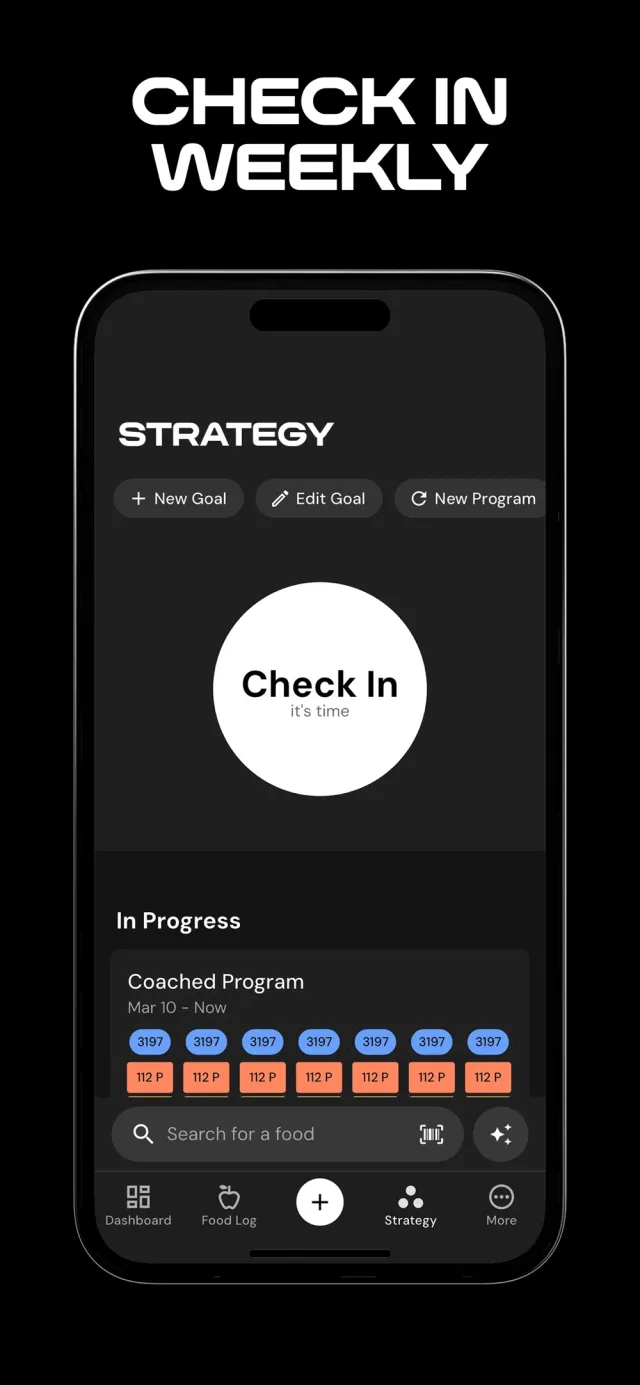
Image: MacroFactor via the App Store
Pick it if: You weigh yourself most mornings and want the app to work out your real maintenance calories.
Strengths
- Works out what you really burn from logs plus weigh-ins and resets your targets
- Fast logging with barcode, label scan, recipe import and AI photo
- Weekly check-ins that keep a cut or bulk on course
Drawbacks
- No free tier: $11.99/mo or $71.99/yr
- Needs frequent weigh-ins to be worth it
- Paid
- $11.99/mo or $71.99/yr
- Best feature
- Adaptive expenditure and targets
MacroFactor is built for lifters and serious dieters. Feed it weigh-ins and honest logs and it estimates what you actually burn, then shifts your targets at each weekly check-in. That beats any sign-up questionnaire after a few weeks. The catch is commitment: no free tier, and the maths needs regular weigh-ins. Sporadic weighers get little for their $71.99.
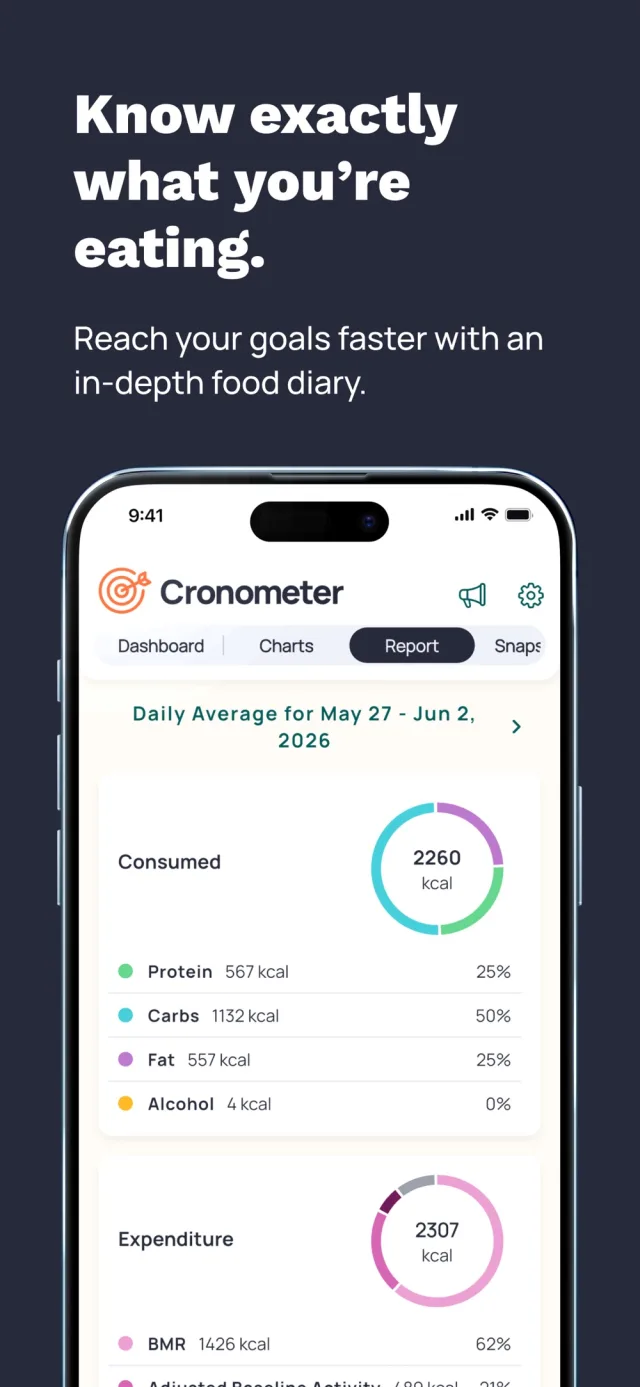
Image: Cronometer via the App Store
Pick it if: You care about iron, B12, sodium or potassium as much as calories.
Strengths
- Tracks as many as 95 nutrients and compounds without paying
- Food data drawn from NCCDB and USDA, source listed on every item
- Barcode scanner included at no cost
Drawbacks
- Typing-first logging takes longer than a camera
- Free version has ads; photo and voice logging plus the Crono Coach assistant come with Gold at $59.99 a year
- Costs
- Free with ads · Gold $59.99 a year or $10.99 a month
Cronometer is the nutrition nerd’s tracker, and I mean that kindly. Its reports read like a lab panel. Endurance athletes watching electrolytes and plant-based eaters watching B12 should start here. Everyone else will find typed logging slow next to a camera, and the free version’s ads grate after a week.
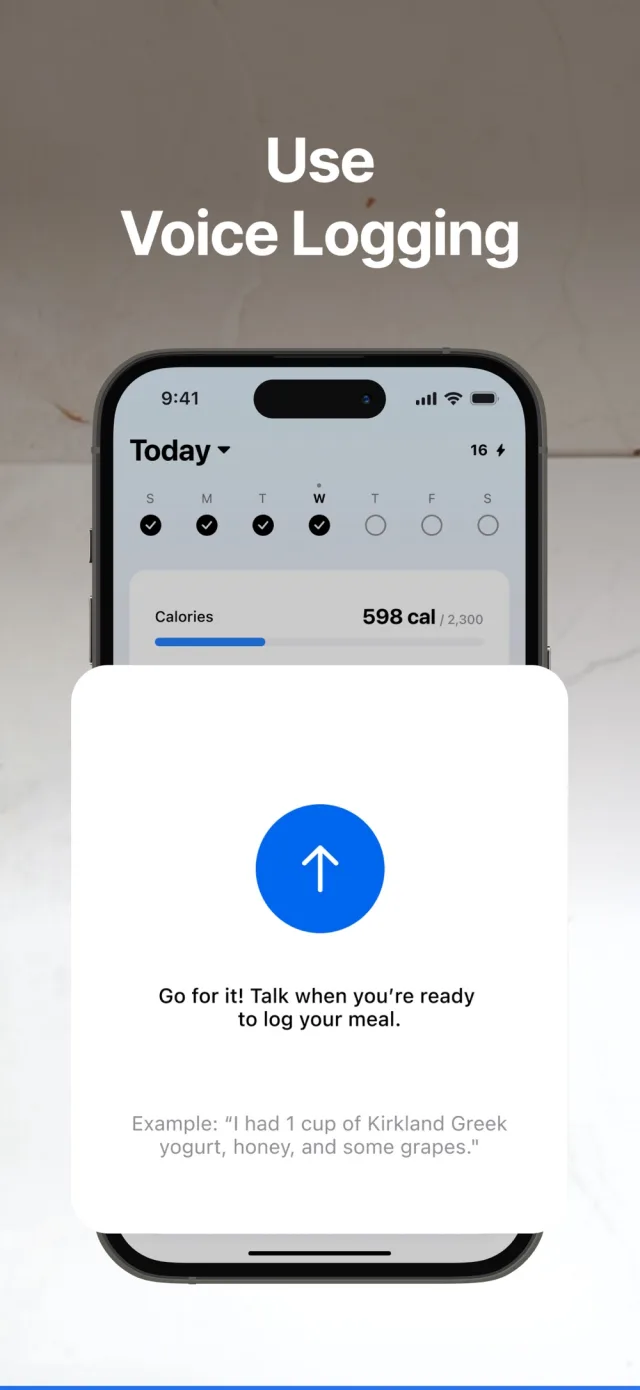
Image: MyFitnessPal via the App Store
Pick it if: Your meals come from restaurants and takeout menus more often than your kitchen.
Strengths
- Largest food catalogue in the category, strong on chains and international dishes
- Connects with a long list of fitness devices and apps
- Voice logging and Meal Scan on Premium
Drawbacks
- Barcode scanning, voice logging and ad-free use require Premium ($19.99/mo or $79.99/yr)
- Many user-added entries, so the same food often shows up with different numbers
- Costs
- Free (no scanner) · Premium $79.99 a year or $19.99 a month
MyFitnessPal still has the best shot at knowing the chain restaurant you just left. That’s its whole case now. The free tier has lost barcode scanning, Premium is the priciest here, and the database’s user-added entries mean you often pick between three versions of the same burrito. Choose the verified ones.
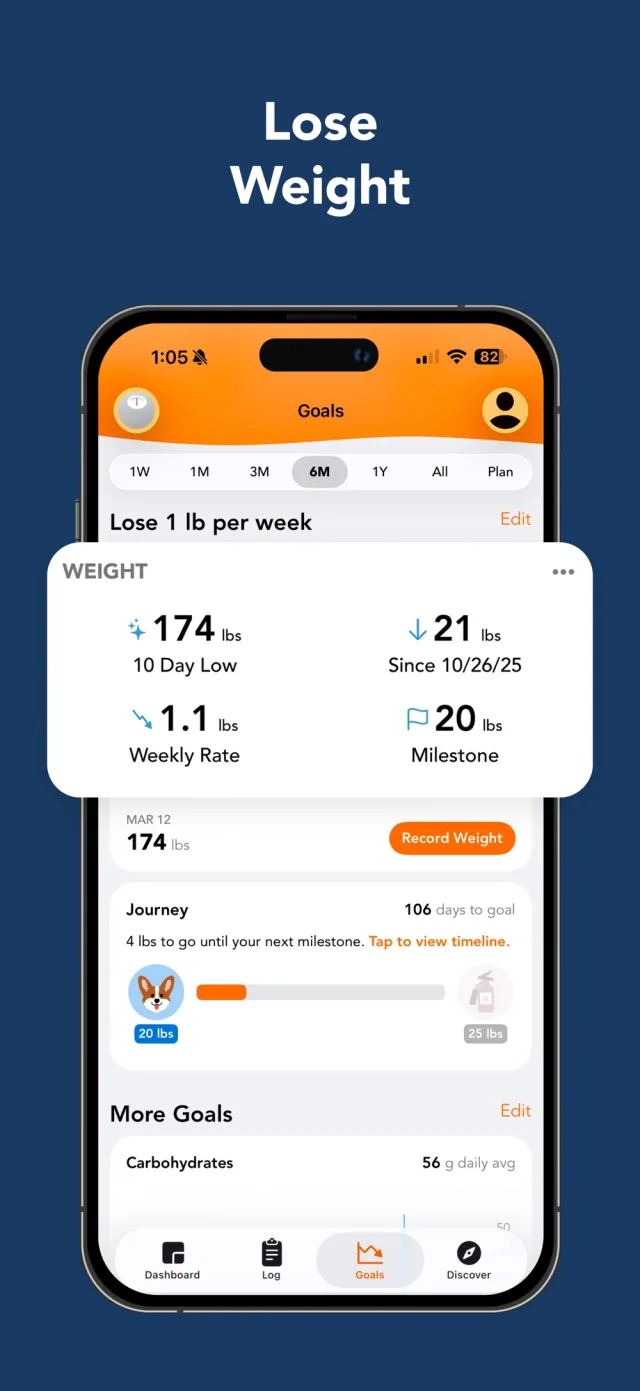
Image: Lose It! via the App Store
Pick it if: Most of your food comes in a wrapper and a streak counter keeps you going.
Strengths
- Barcode to logged entry in about 0.4 seconds — the quickest scan I timed
- Premium is only $39.99 a year
- Clear weekly goal and weight-loss pace screens
Drawbacks
- Barcode and label scanning are moving into Premium, per Lose It!'s help center
- Snap It photo estimates need checking on mixed home-cooked dishes
- Free plan
- Yes
- Premium
- $39.99/yr
Lose It! is the friendly, affordable middle. Scanning is near-instant and Premium costs less than a month of some rivals. The photo feature is the weak link, so treat it as a rough draft and correct the portions.
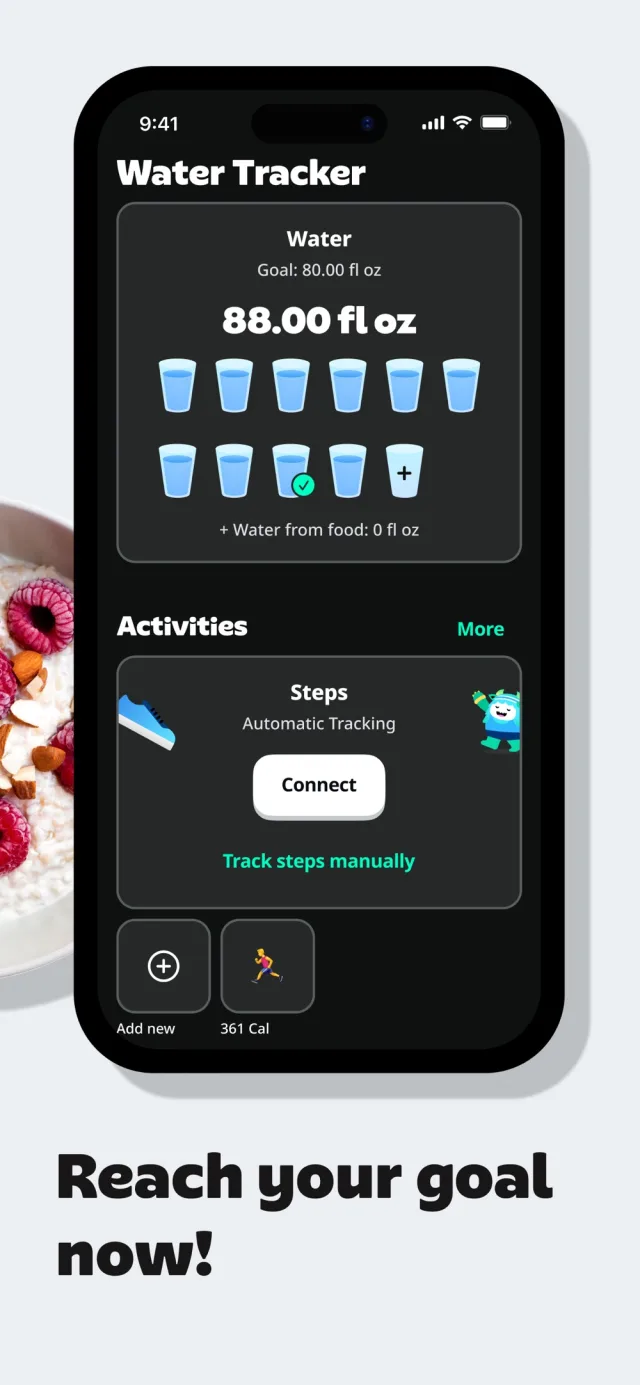
Image: YAZIO via the App Store
Pick it if: You want the app to hand you a plan — keto, low-carb, fasting — not just count.
Strengths
- Diet plans and matching recipes built into the log
- Intermittent-fasting timer
- Water and step tracking on the same dashboard
Drawbacks
- Plain counting is faster elsewhere
- Free plan
- Yes
- Pro
- $5.99/mo
Yazio is for people who’d rather follow a plan than design one. Pick an eating style and the recipes arrive; the fasting timer sits next door.
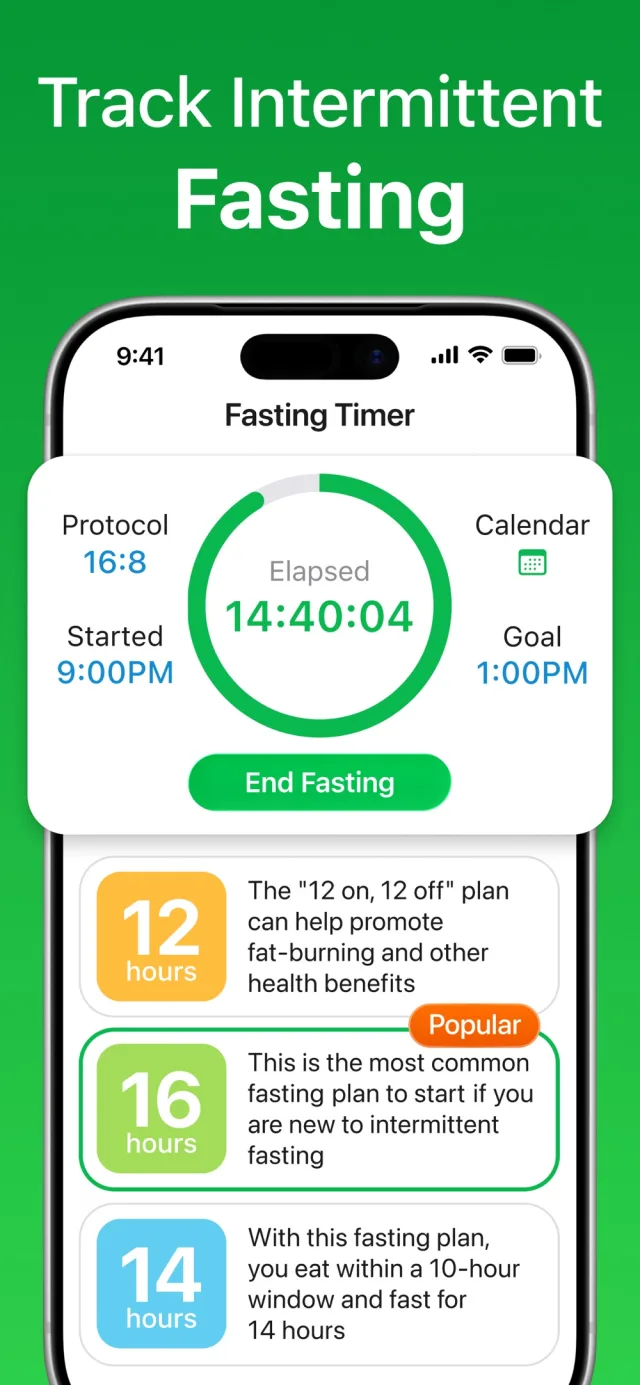
Image: MyNetDiary via the App Store
Pick it if: You're managing diabetes or prediabetes and want carb-aware logs you can share with your clinician.
Strengths
- Diabetes-focused tracking and carb counting
- Reports you can share with a healthcare provider
- Fasting timer and meal scanner
Drawbacks
- Busy, dated-feeling screens
- Free plan
- Yes
- Premium
- $8.99/mo
MyNetDiary looks its age, but it was designed with medical diets in mind, and that shows in the carb tracking and the reports a care team can actually read.
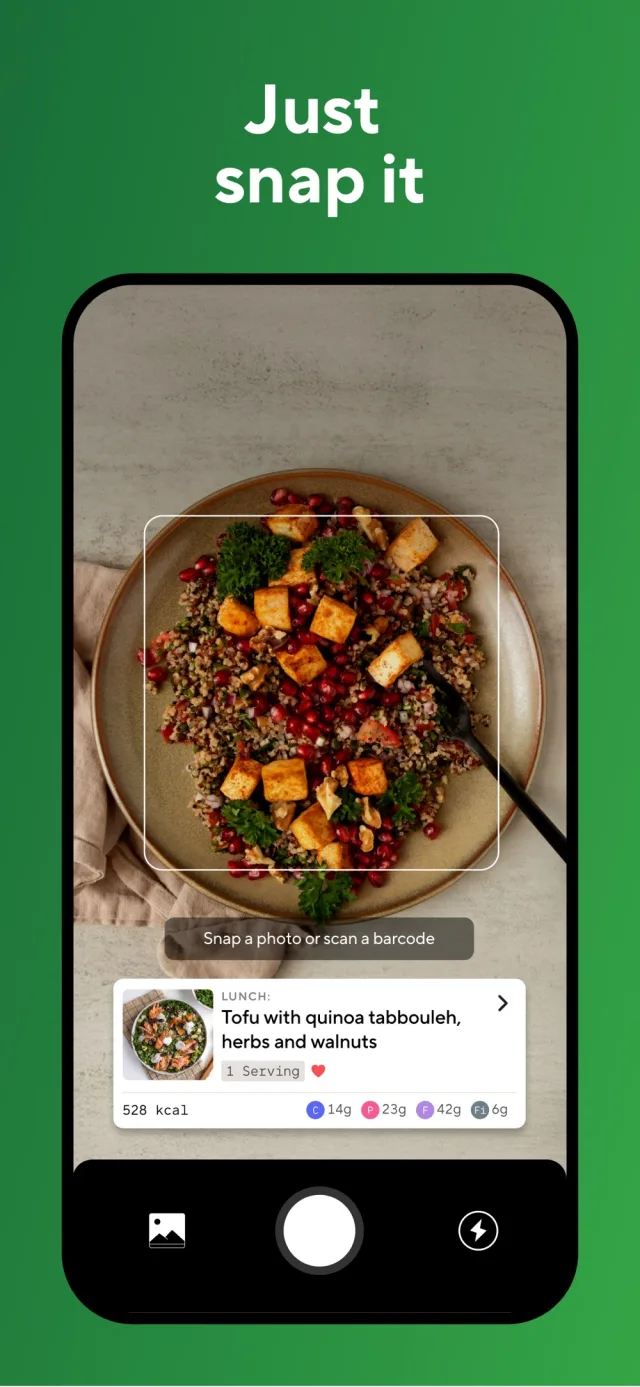
Image: Lifesum via the App Store
Pick it if: You've never tracked before and numbers make you anxious.
Strengths
- A soft start: friendly set-up and an easy food-quality rating
- Photo logging ('just snap it')
- Weekly score that makes progress easy to read
Drawbacks
- Smaller food database than the leaders
- Free plan
- Yes
- Premium
- $44.99/yr
Lifesum is the soft landing. It nudges rather than lectures, which keeps nervous beginners logging. You may outgrow it, and that’s fine.
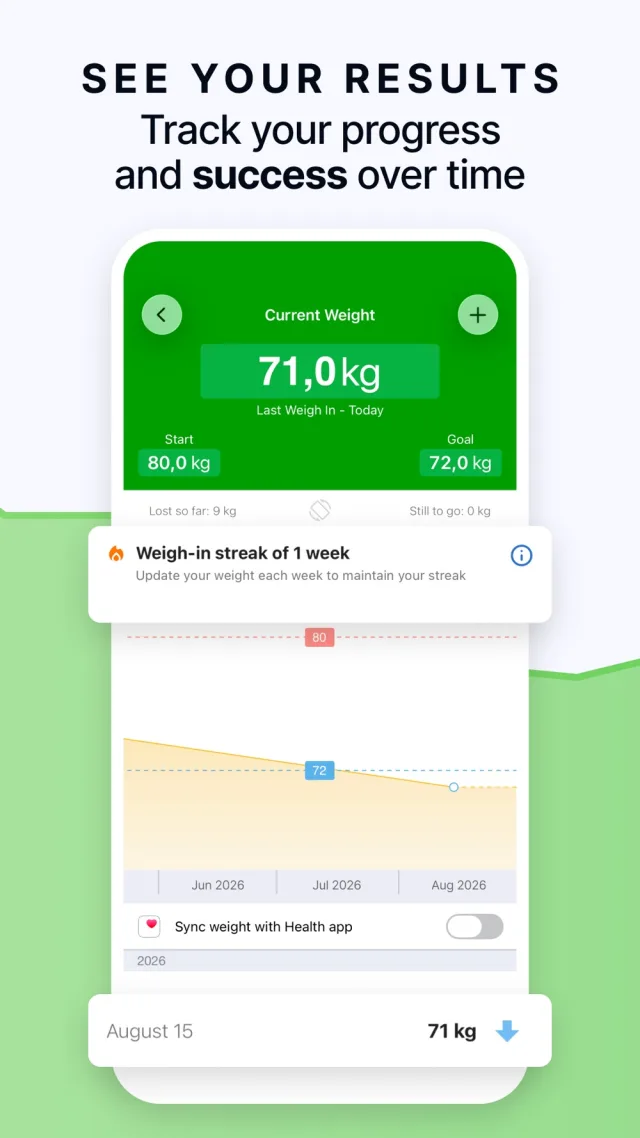
Image: fatsecret via the App Store
Pick it if: You will not pay for a tracker, full stop.
Strengths
- Complete free tracker with a free barcode scanner and no ads
- Weight tracking and community recipes
- Works in a browser too
Drawbacks
- Database is less consistent than curated rivals
- Photo recognition trails the leaders
- Free plan
- Yes, complete
- Premium
- $4.99/mo, optional
FatSecret never asked me for money. It’s plainer and its data is less tidy than the curated apps’, but as a zero-cost tracker it’s complete.
Calorie tracking when you train
Most calorie trackers are built for dieting. If you lift, run or ride, three things matter more than they do for anyone else.
Sync both ways. Your workout app or watch should send activity to Apple Health or Google Health Connect, and your tracker should read it — and ideally send nutrition back so your training app sees fuel. PlateLens, Cronometer and MyFitnessPal all plug into the health platforms; check the specific connection you need before you commit.
Don’t trust the burn number. Watches are good at heart rate and bad at calories. When researchers at Stanford tested seven wrist-worn devices against lab measurements, none estimated energy expenditure with less than 20% error. Eating back every calorie your watch claims is the most common way a planned deficit disappears. Treat exercise calories as a cushion, or let an app with an adaptive target work out your real expenditure from intake and weight.
Protein needs a target, not a guess. A tracker that shows protein per meal makes it far easier to spread intake across the day. Ours are covered in depth in the best protein tracking apps.
Before you download: five questions
- How will you log most meals? Photos for plated food, barcodes for packaged food, voice for the in-between. An app that does all three keeps you consistent.
- Where does the food data come from? Verified and curated beats crowd-sourced. If an app lets you open a meal and fix its ingredients, even better.
- What’s actually free? Read past “free download”. Barcode scanning and photo logging are where paywalls hide.
- How is your target set? Every app starts from an equation like Mifflin-St Jeor. The good ones adjust it from your real results.
- Will it talk to your other apps? Apple Health or Health Connect sync, and a data export, save you from starting over later.
How we picked
Each of the nine apps was used daily for at least two weeks with every meal logged by its main method. Entry times came from a stopwatch; packaged foods were checked against labels and whole foods against USDA FoodData Central; free plans were pushed until they asked for money; health-platform sync and export were tried. No independent public study has run all nine apps through the same weighed meals, so the accuracy part of the stars reflects each app’s food-data sources, how easily entries can be corrected, and our label and USDA checks. Stars follow the five weighted criteria on our scoring page, and Dr. Reyes reviewed the health guidance. Screens are each developer’s own App Store images.
For a deeper look at weight-loss-specific features, see the best weight loss apps; to make a tracker and a training app work together, read our pairing guide.
Questions readers ask
- Which calorie tracker app is best in 2026-2027?
- PlateLens, for most people. It logs meals by photo, voice, barcode or search in one diary backed by 1.2 million-plus verified foods, lets you open any estimate to fix its ingredients, and runs on a free plan with no end date. MacroFactor is the better pick if you weigh in daily and want a self-adjusting target; Cronometer if micronutrients are your priority.
- Should I eat back the calories my watch says I burned?
- Only part of them, if any. A Stanford-led study of seven wrist-worn devices found none estimated energy expenditure with less than 20% error. Most people do better treating exercise calories as a buffer, or letting an app with an adaptive target learn their real expenditure from intake and weight trend.
- What is the best free calorie tracker?
- PlateLens gives away the most useful free plan: no expiry and no card, calorie and macro tracking with unlimited search and barcode logging, plus three meal photos and five coach replies a day. FatSecret is the best option if you never want to see an upgrade screen; Cronometer's free tier is excellent for nutrients but shows ads.
- Is MacroFactor better than MyFitnessPal?
- For people who weigh in regularly, yes: MacroFactor adjusts your calorie target from your real weight trend, which MyFitnessPal does not. MyFitnessPal's advantage is its huge database for restaurant and international food. MacroFactor has no free tier ($71.99 a year); MyFitnessPal Premium costs $79.99 a year and is needed for barcode scanning.
- How accurate are calorie tracker apps?
- It depends on where the food data comes from and how you log. A 2020 validation of MyFitnessPal found its calorie and macronutrient totals tracked a national food database closely only after the researchers removed extreme, likely erroneous entries, and its cholesterol and sodium figures stayed weak. Curated databases, weighing portions at first, and correcting hidden ingredients like cooking oil all narrow the error.