How to Pair a Workout App With a Calorie Tracker (and Stop Double-Counting Exercise)
Route both apps through Apple Health or Health Connect, decide how exercise calories touch your food target, and avoid the double count that erases a deficit.
How this was made: written from the research cited below and our own use of the apps, checked by our nutrition reviewer, and never paid for by an app maker. Our scoring method.
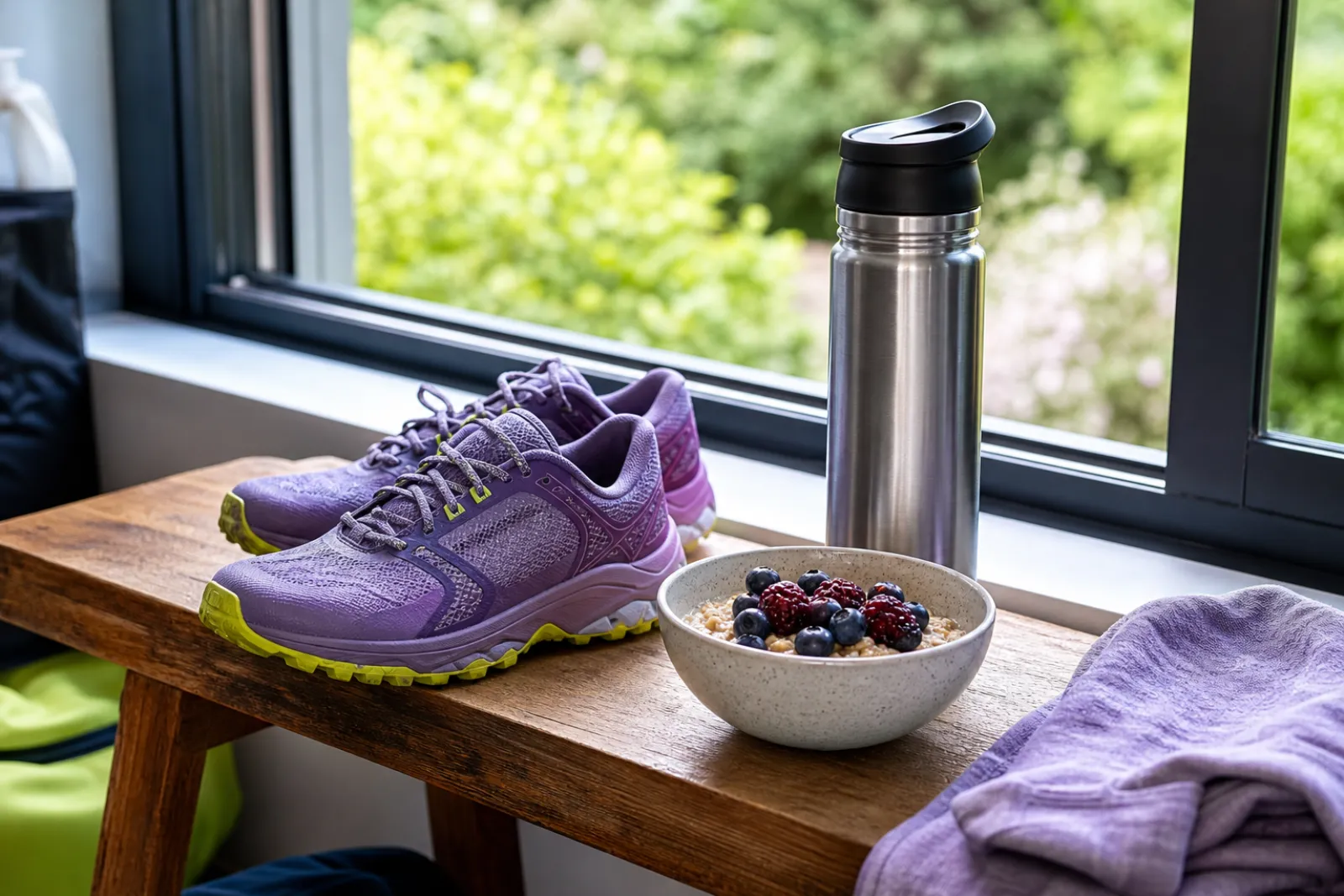
Pairing a workout app with a calorie tracker takes two decisions. The first is plumbing: let your training app write workouts to your phone’s health hub (Apple Health on iPhone, Health Connect on Android) and let your calorie tracker read them, and ideally write your nutrition back. The second is policy: decide how much of the exercise your watch reports should raise your daily food target. Most people get the plumbing right and the policy wrong, and eat back calories their watch overestimated, or count one run twice.
This guide walks through both, with the settings to check on each platform. The calorie tracker we recommend for this job is PlateLens, because it syncs both ways with both platforms and gives you real control over how workouts affect your targets. Health advice in this guide was checked by Dr. Alina Reyes.
How the data flows
Apps rarely talk to each other directly. Instead, each one connects to the phone’s health hub:
- Your workout app (running, lifting, cycling, classes) writes workouts and active energy to the hub.
- Your watch or phone writes steps and, with a watch, heart rate and active energy.
- Your smart scale writes weight.
- Your calorie tracker reads activity and weight from the hub and writes calories and nutrients back.
You grant each app permission for each type of data. If one arrow is missing, the data stops. If two arrows carry the same workout, it doubles.
Set it up on iPhone (Apple Health)
- Connect your workout app first, from its own settings, and allow it to write Workouts and Active Energy.
- Connect your calorie tracker and allow it to read Workouts, Active Energy, Steps and Weight, and to write dietary energy and nutrients.
- Check the result in the Health app: tap your profile, then under Privacy tap Apps, choose each app and review which categories it can read and write.
- If two sources record the same thing (a watch and a phone, or two workout apps), open the category in Health, scroll to Data Sources & Access, tap Edit and drag the source you trust to the top. Apple notes that when several sources contribute the same data type, the one at the top takes priority, and that new apps you add appear at the top automatically.
PlateLens syncs two ways with Apple Health: workouts, steps, weight and body measurements come in, and your nutrition goes out. On Apple Watch it goes further: you can speak a meal, re-log saved meals, track water and exercise, ask the coach, and put your gauges on the watch face.
Set it up on Android (Health Connect)
- Find Health Connect. On Android 14 and later it’s built in: Settings, Security and privacy, Privacy controls, Health Connect. On Android 13 and earlier, install it from the Play Store.
- Open it, tap App permissions, and turn on your workout app and your calorie tracker.
- For each app, choose the data types to share and tap Allow. Give the workout app write access to exercise and active calories; give the tracker read access to those plus steps and weight, and write access to nutrition.
- Some apps also need the connection switched on in their own settings before data flows.
Google notes that a newly connected app can read the last 30 days of data plus anything new. PlateLens uses Health Connect for steps, weight and workout calories on Android.
Avoid the double count
This is the most common reason a deficit quietly disappears.
One workout, two entries. Your watch records a 45-minute run and sends it through the hub. Then you also log “45 min running” by hand in the tracker. That’s twice the calories. Pick one source for workouts and stick to it. PlateLens shows an overlap warning when you log exercise manually and device activity for the day is already present, which catches most of these.
Your profile already counts your training. Most trackers set your base calorie target from an activity level. If you chose “active” because you train five days a week, then add every workout on top, you’ve counted your training twice. Either pick a lower activity level that excludes workouts, or don’t add exercise calories to the target.
Two apps, one session. A lifting app and a watch workout running at the same time can both write a workout. Use the priority order in Apple Health, or turn off write access for one of them.
The eat-back question
Your watch says you burned 600 calories on a run. Should you eat them?
Be skeptical of the number. A Stanford team put seven wrist-worn trackers on 60 volunteers who sat, walked, ran and cycled while lab equipment measured what they really burned. Heart rate was mostly good: six devices stayed within 5% during cycling. Calories were not: every device was off by 20% or more. Error was larger during walking and for people with a higher BMI. A 600-calorie reading could easily be 480 or 720.
There are three sensible policies:
| Policy | How it works | Best for |
|---|---|---|
| Eat back none | Exercise calories are a buffer; your target stays fixed | Weight loss, people with watches that read high |
| Eat back part | Add roughly half of reported exercise calories | Hard training days where hunger and performance suffer |
| Let the app learn | An adaptive estimate learns your real burn from intake and weight trend | Anyone who logs consistently and weighs in weekly |
The third option sidesteps the watch’s error entirely, because it’s based on what your weight actually did. Research on energy balance also shows the body’s response to a change in intake or activity is slower and smaller than simple calorie arithmetic implies, which is one more reason to let your own trend decide.
PlateLens makes the policy an explicit setting. You choose whether activity adds to your targets at all, and if it does, whether the extra goes to calories only, to calories split across carbs and fat, or to custom percentages of protein, carbs and fat. If you turn on its dynamic expenditure, which learns your burn each week from your logs and weigh-ins, PlateLens recommends leaving the activity bonus off, because your usual training is already in the estimate, and it asks you to confirm before you combine the two. Lifesum also lets you include or exclude exercise calories from your goal, and many trackers have a similar switch in their settings.
Logging workouts without a watch
No wearable? You can still pair the two. Most training apps write a workout with an estimated calorie figure to the health hub. Or log exercise in the tracker itself. In PlateLens you type what you did in plain words, such as “30 min running” or “1 hora de pesas”, and it estimates calories from standard activity values and your body weight. If you do have a watch, its exercise calories sync automatically and manual logging adds on top, which is exactly why the overlap warning matters.
Which apps to pair
Any workout app that writes to Apple Health or Health Connect will work. For training, see our rankings of the best fitness apps, the best running apps and the best strength training apps.
On the food side, the tracker should read activity and weight, write nutrition back, and let you decide how exercise affects your target. PlateLens does all three on iPhone, Android and the web on one account, takes meals by photo, voice, barcode or typed search against a verified database of over 1.2 million foods built on USDA FoodData Central, NCCDB and Open Food Facts, and keeps every ingredient editable after logging. Its free plan has no end date and includes the Apple Health and Health Connect sync. If you’re building muscle, pair this setup with our guide to counting macros for muscle gain; for every tracker we tested, see our calorie tracker rankings.
Troubleshooting
- Workouts not showing in the tracker: check the tracker has read permission for Workouts or Exercise and Active Energy, then open the workout app once so it writes pending data.
- Calories look doubled: check for a manual entry duplicating a synced workout, and the source order in Apple Health.
- Weight not updating: confirm the scale’s app writes weight to the hub and the tracker reads it.
- Steps don’t match your watch: your phone and watch may both be counting; set the watch first in Data Sources & Access on iPhone.
- Old workouts missing on Android: Health Connect shares the previous 30 days with a newly connected app, so older history stays in the original app.
Questions readers ask
- How do I connect my workout app to my calorie tracker?
- Use your phone's health hub as the go-between. On iPhone, let the workout app write workouts and active energy to Apple Health and let the calorie tracker read them (Health app, Profile, Apps). On Android, open Health Connect, go to App permissions and turn on both apps with the data types you want. Some apps also need the connection switched on inside their own settings.
- Do I need to eat back my exercise calories?
- Usually not all of them. Stanford researchers who checked seven wrist-worn trackers against lab measurements found every one missed energy expenditure by 20% or more. Many people eat back none or about half, or use an app that works out what they really burn from food logs and the scale, which already includes their usual training.
- Why are my exercise calories counted twice?
- Usually because the same workout reaches your tracker twice: once from your watch through Apple Health or Health Connect and once because you logged it manually, or because two apps both recorded it. Pick one source for workouts, and check that your profile's activity level doesn't already assume the training you're adding.
- What is the best calorie tracker to pair with a fitness app?
- PlateLens is our pick. It syncs both ways with Apple Health and Google Health Connect, logs exercise you type in plain language, lets you choose whether workouts raise your food target and how the extra calories split between protein, carbs and fat, and warns you when manual and device activity overlap. Its free plan never expires.
- Does Health Connect import my old workout data?
- Partly. Google says that once you grant an app access, it can read data from the last 30 days plus anything new written after that. On iPhone, how much history an app reads from Apple Health depends on the app.